Call Highlights
SharePoint Quicklinks:
- Primary PnP Website: https://aka.ms/m365pnp
- Documentation & Guidance
- SharePoint Dev Videos
- Issues List
—–
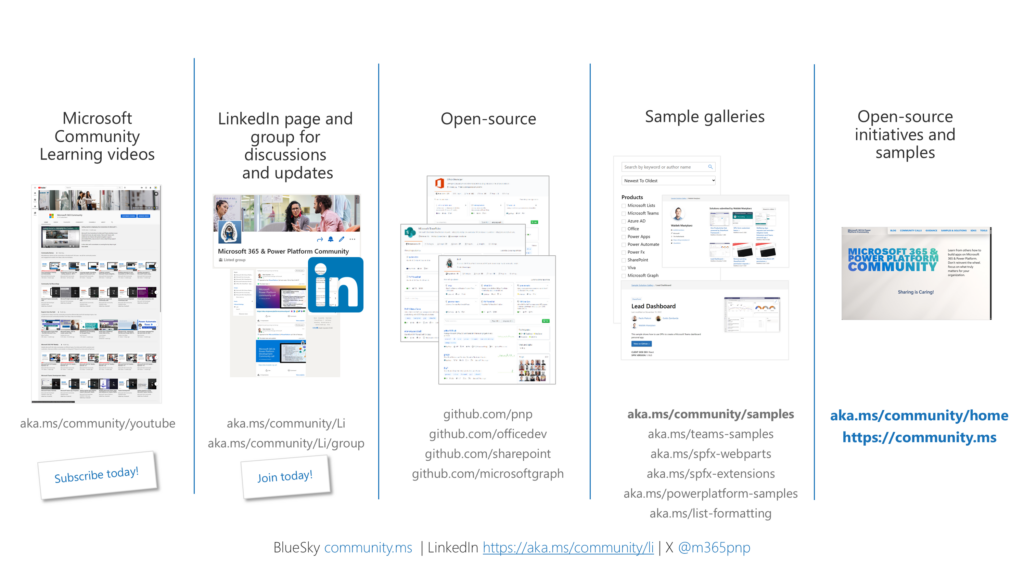
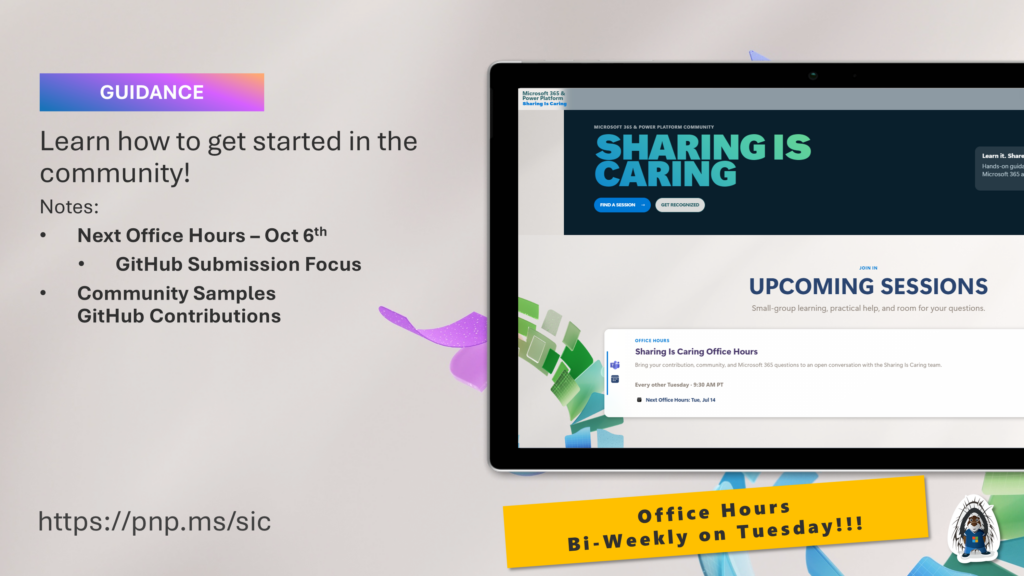
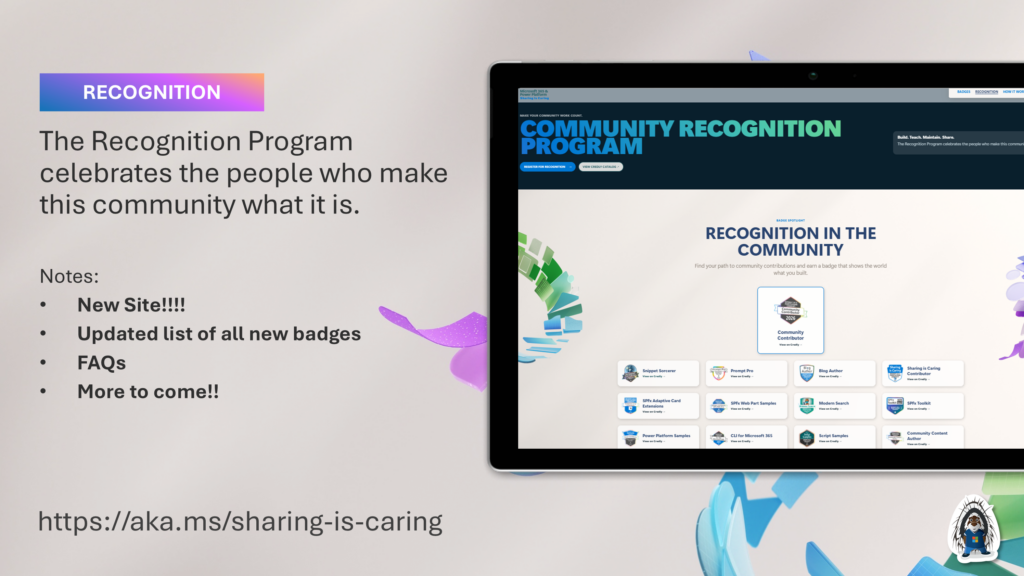
- Sharing Is Caring:
- A community initiative that provides live hands-on sessions to help with contribution guidance and using PnP resources.
- The session types will include First Time Contributor, Community Docs Contributions, SPFx Contributions, Office365 CLI Contributions, AMA (Ask Me Anything) Open Forum sessions and MORE.
- https://aka.ms/sharing-is-caring
—–
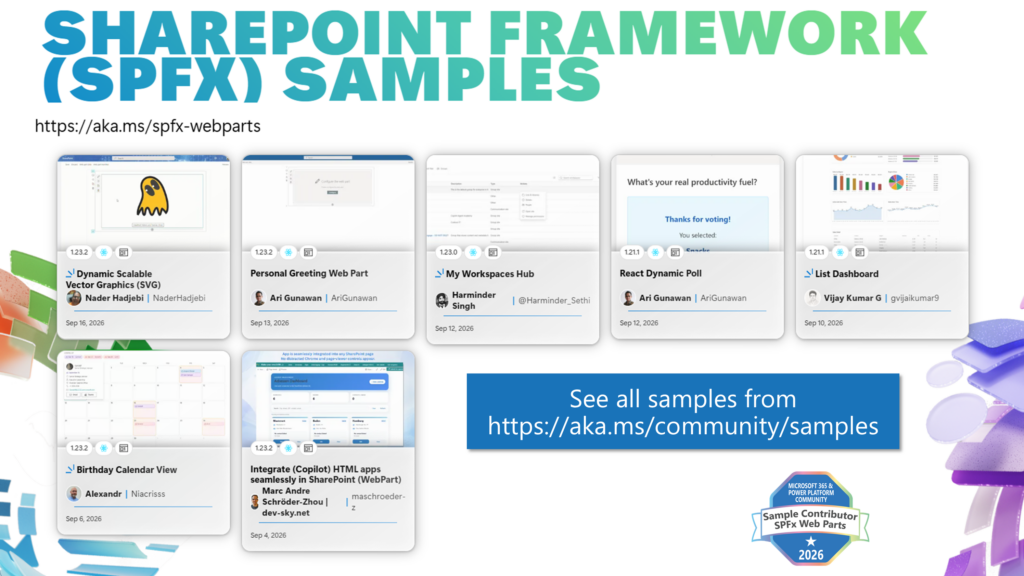
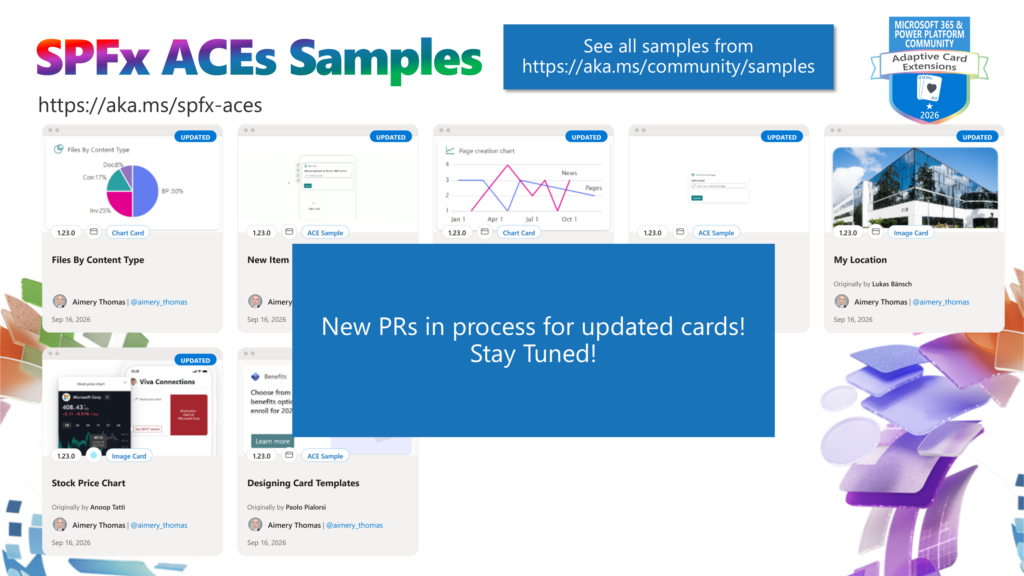
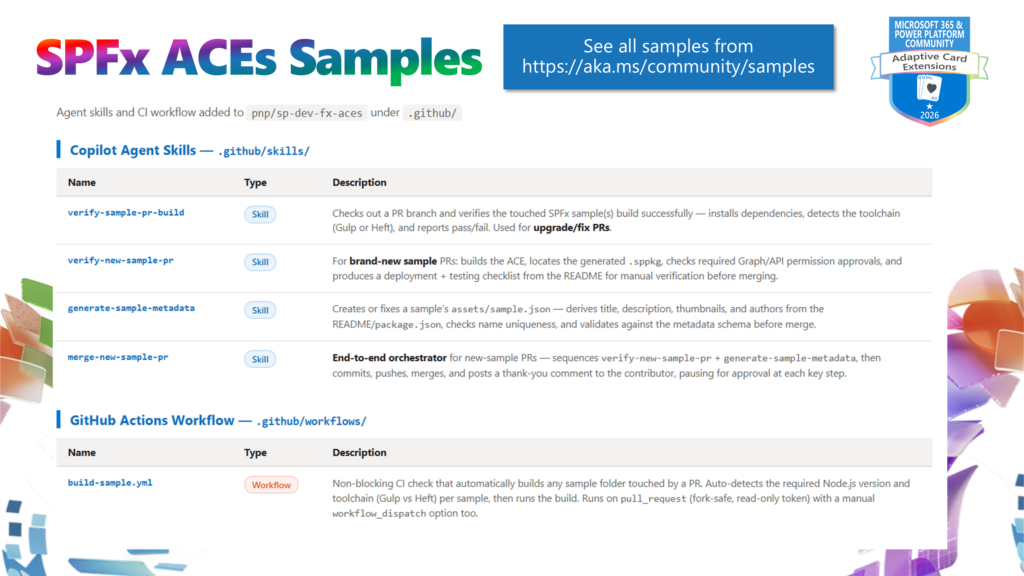
- PnP Samples
—–
- PnP Projects
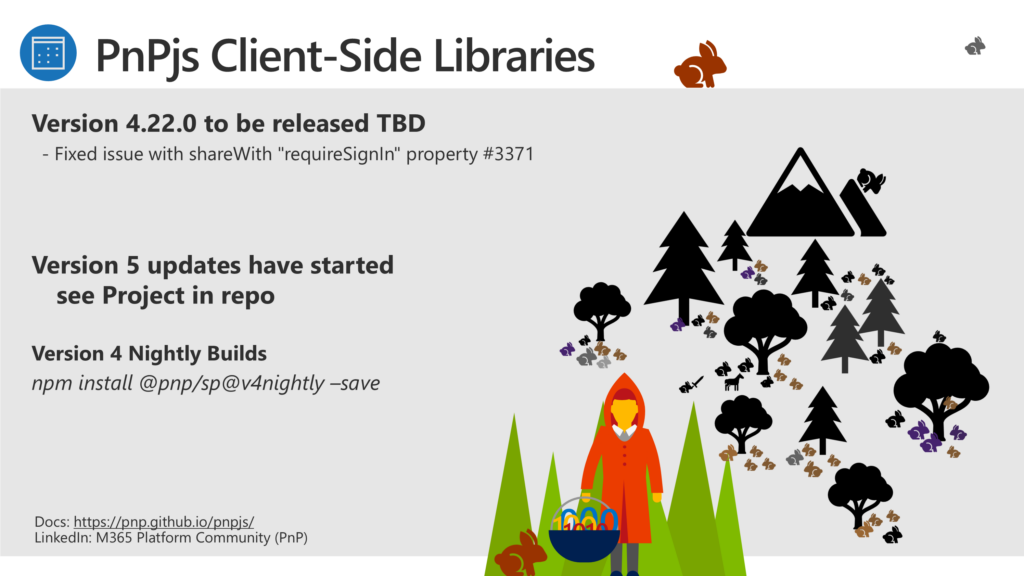
- PnPJS
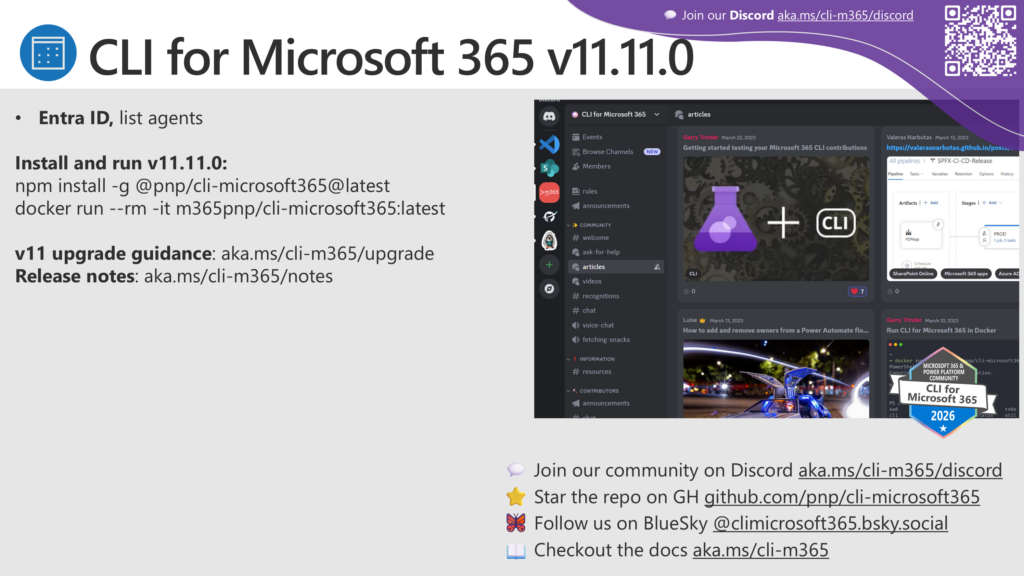
- CLI for Microsoft 365
- PnP SPFx Generator
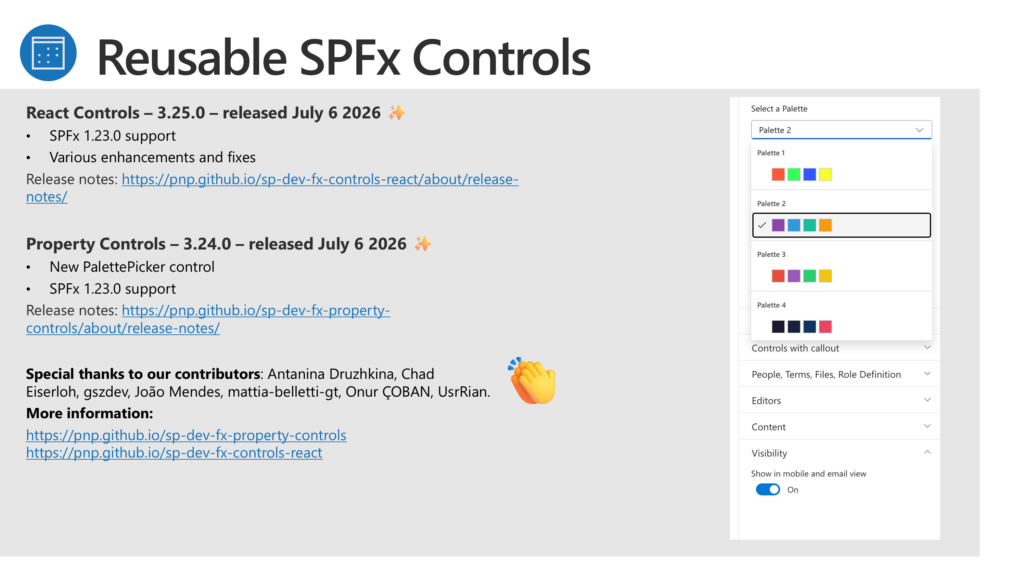
- Reusable Controls
- Yo Teams
- Training: http://aka.ms/yoteams-training
- SharePoint Starter Kit
- PnP PowerShell
- PnP CSOM Core Library
- Modernization Framework
- PnP Sharing Is Caring: Hands-on sessions providing guidance for PnP Contributions
—–
- Power Platform Connections:
- PnP Weekly:
—–
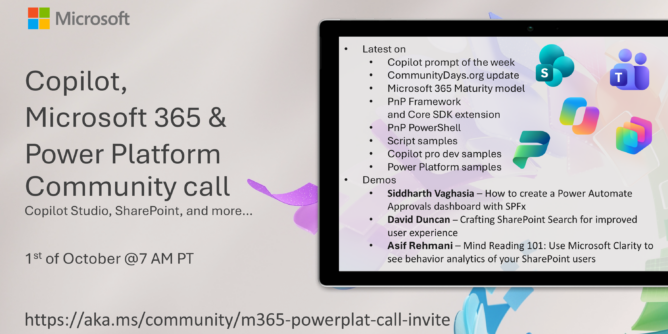
DEMOS:
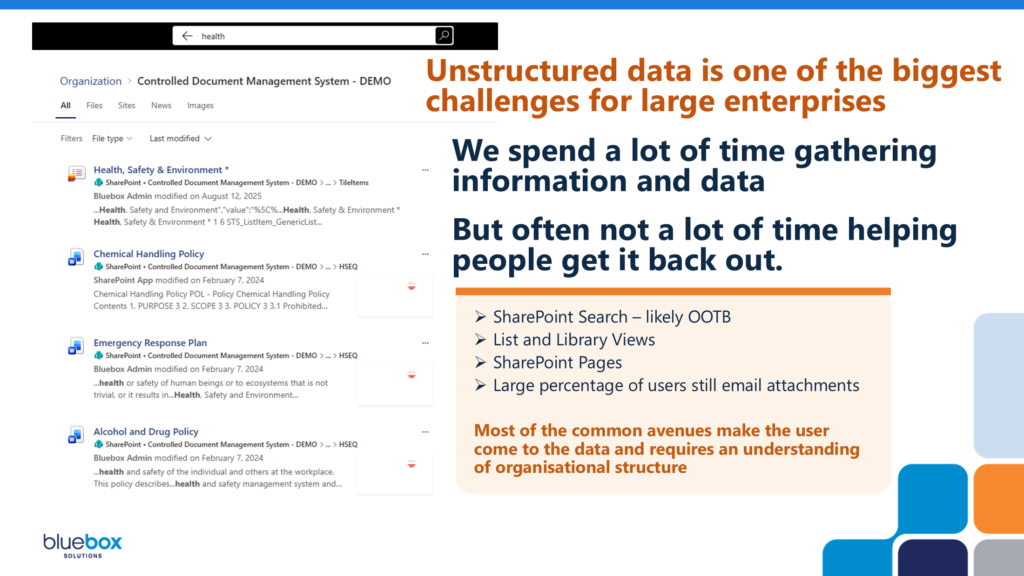
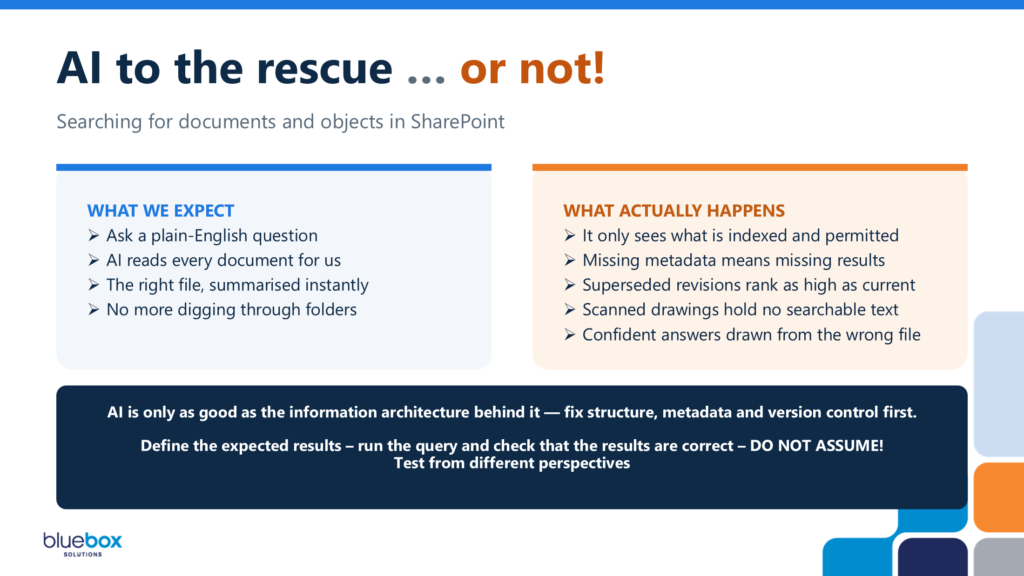
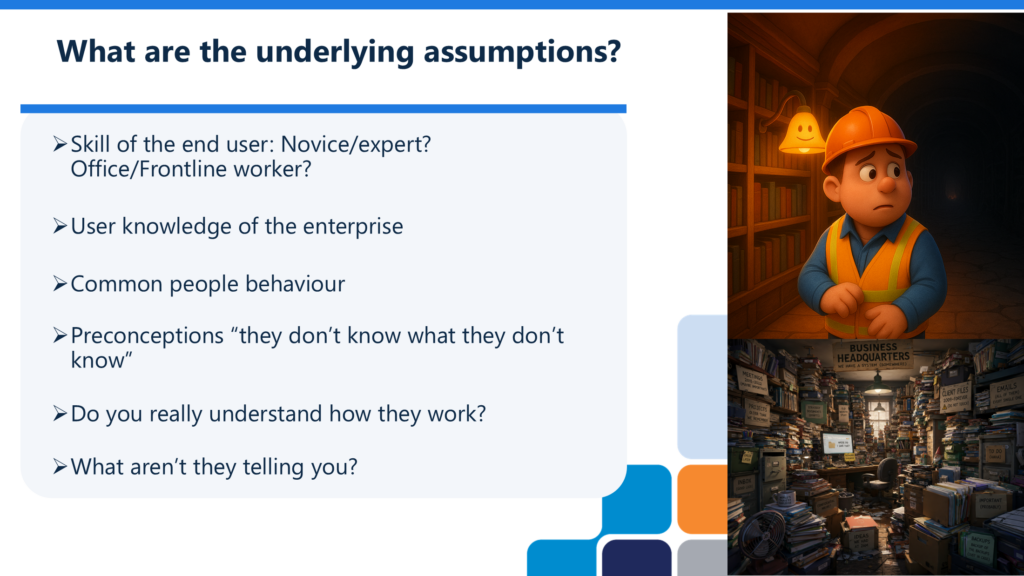
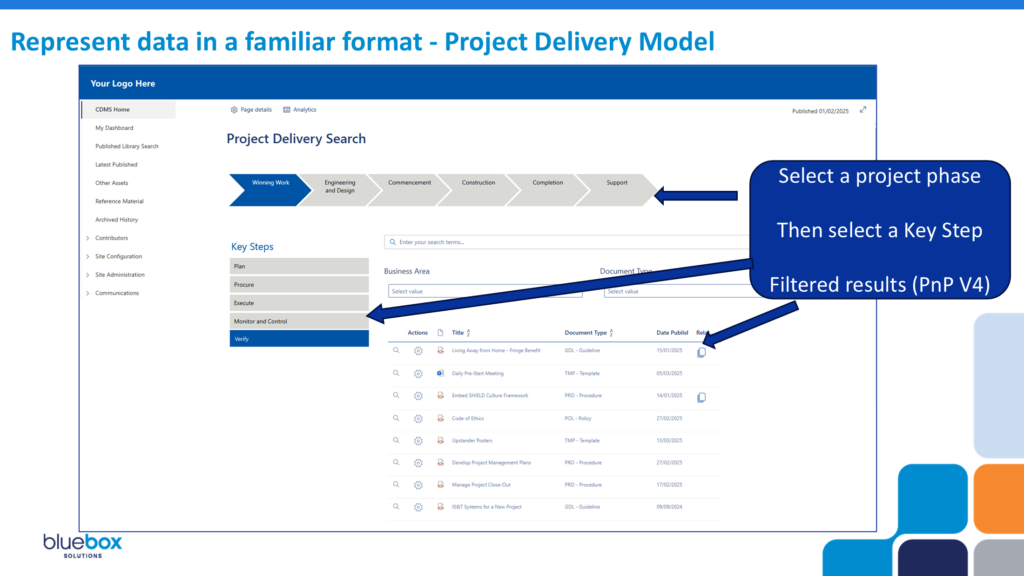
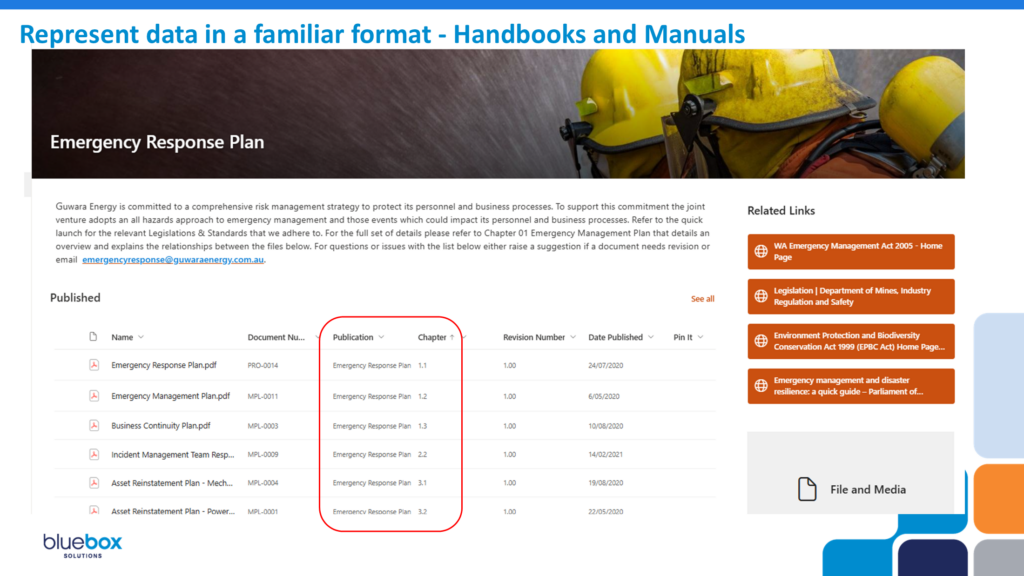
- David Duncan – Crafting SharePoint Search for improved user experience
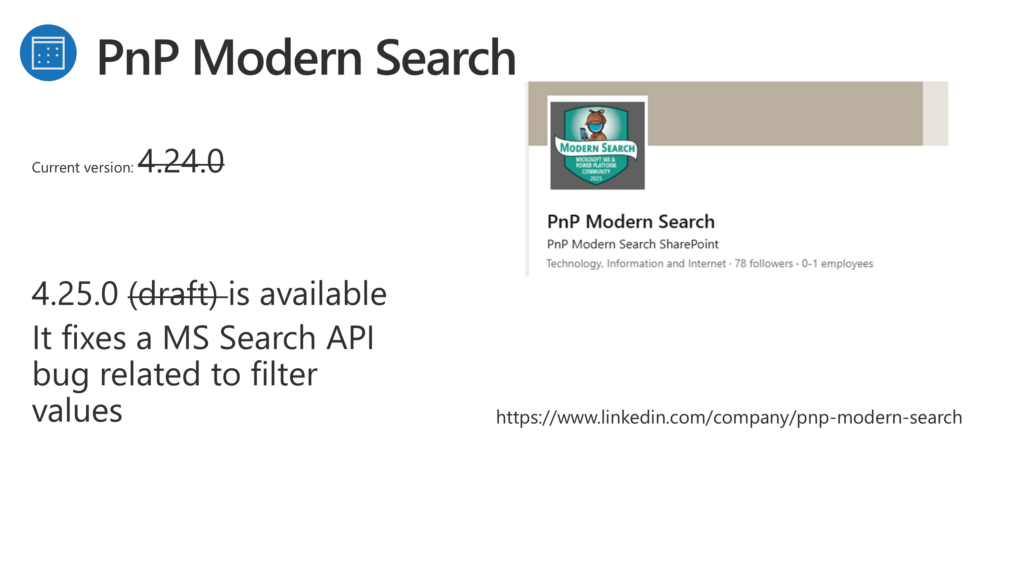
- Introduction – PnP Modern Search (v4) – https://microsoft-search.github.io/pnp-modern-search/
—–
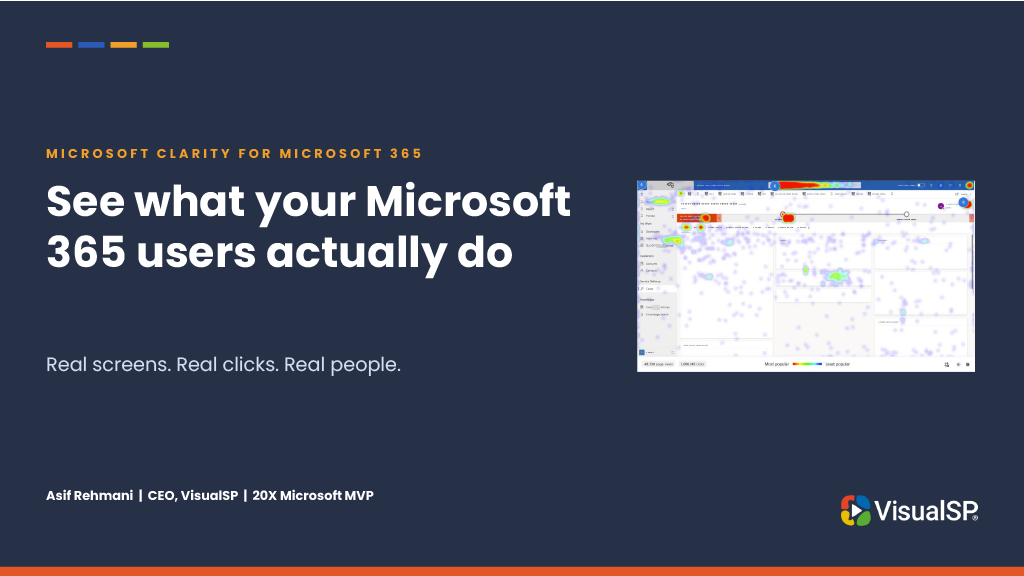
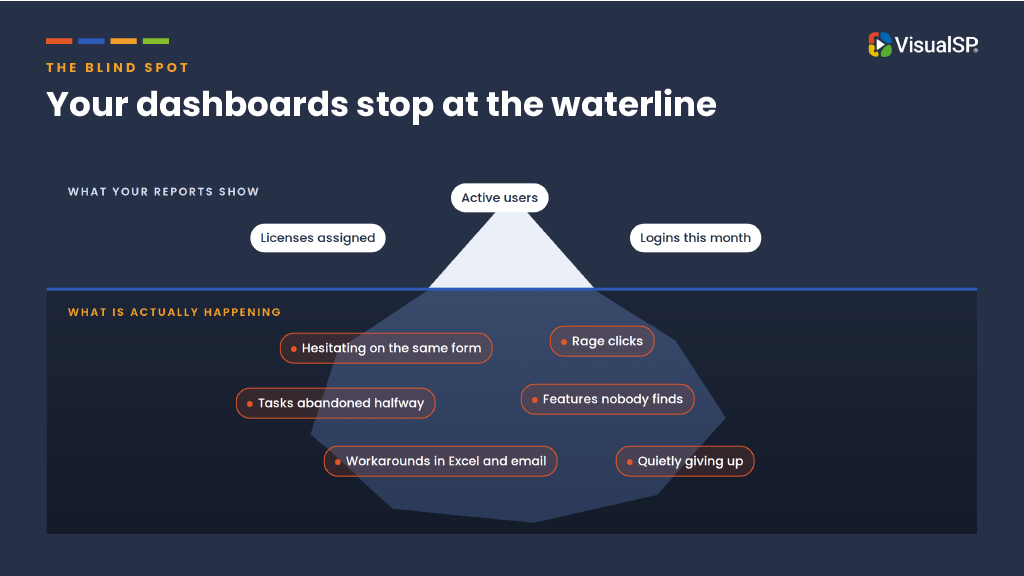
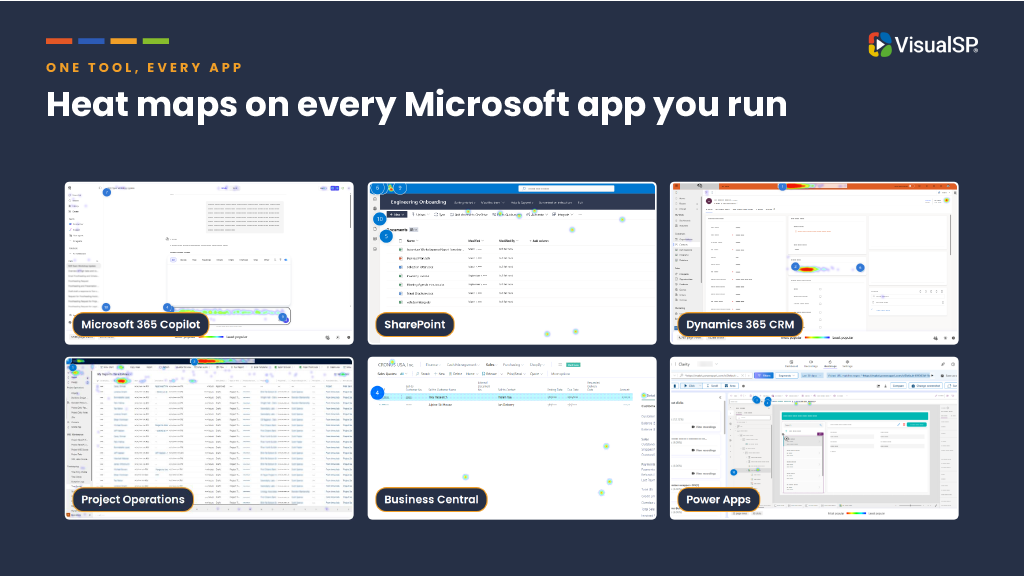
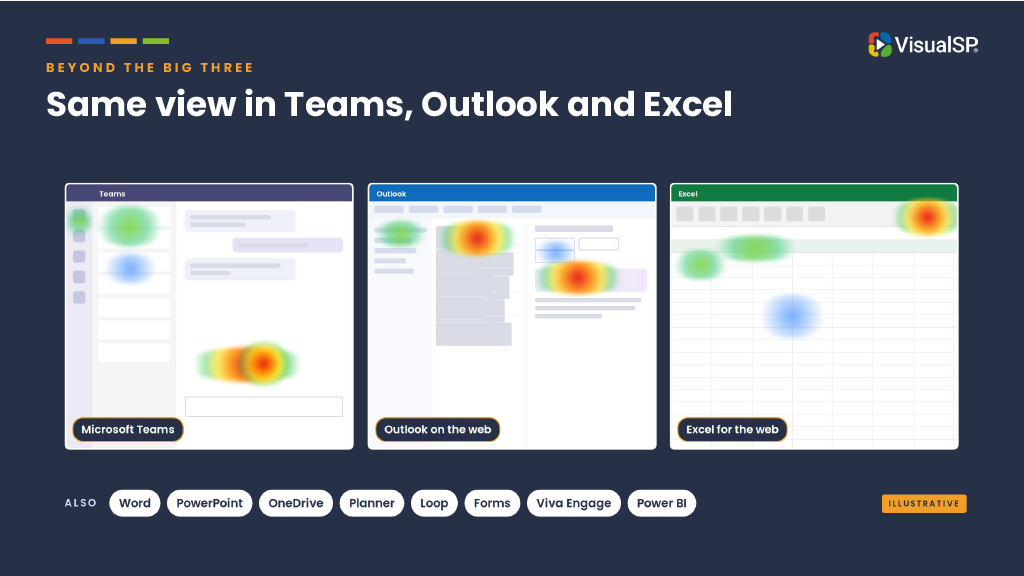
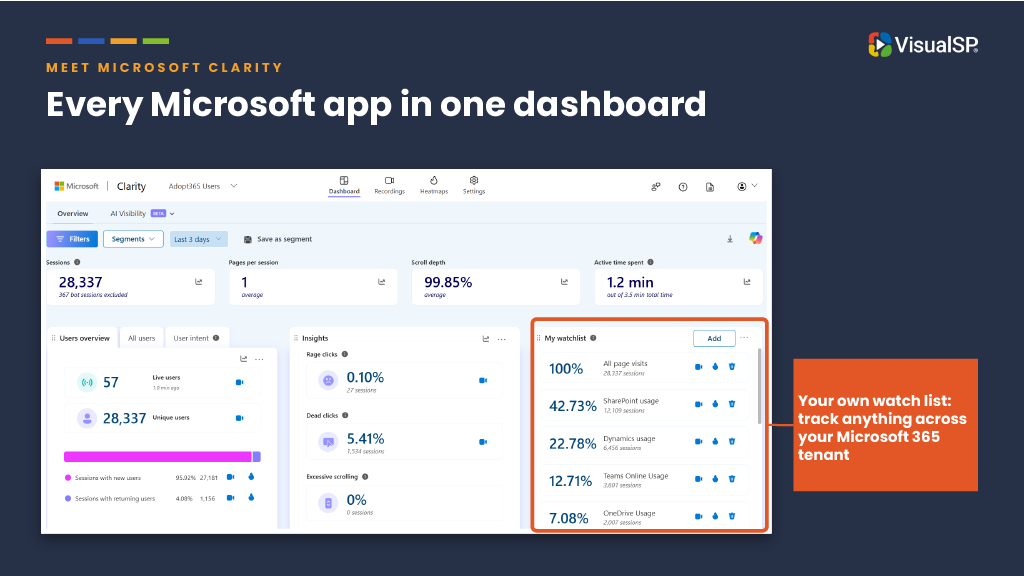
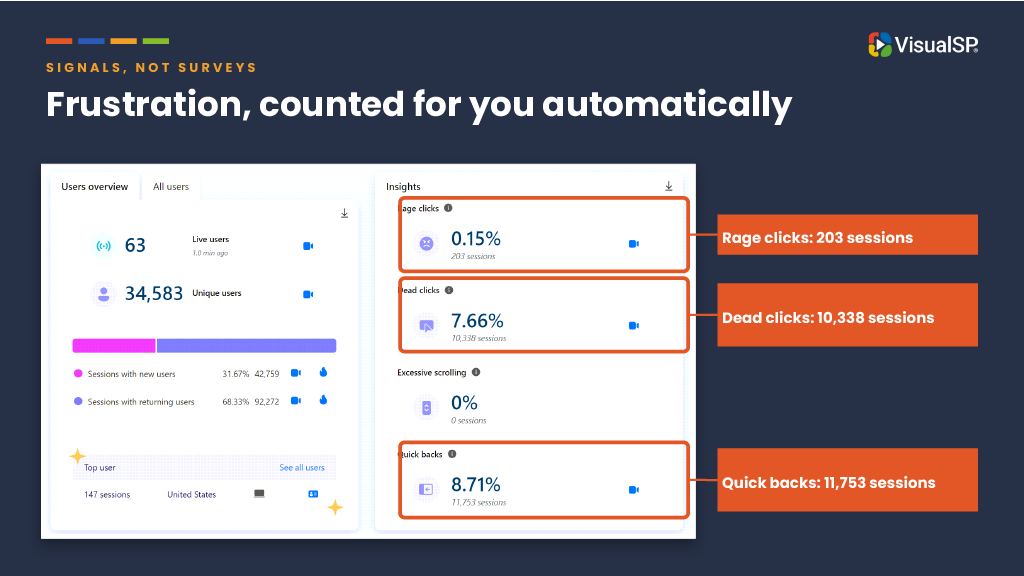
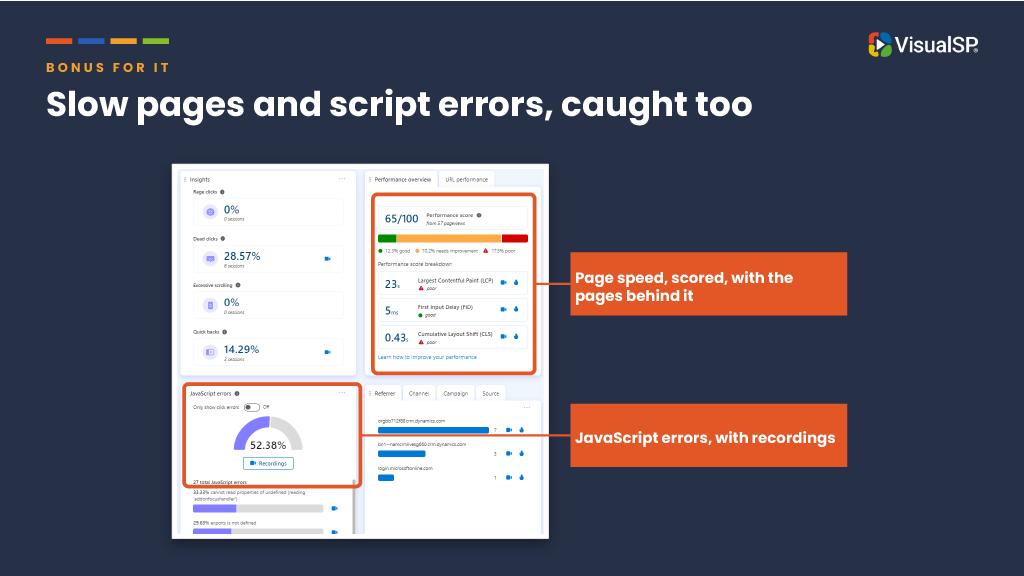
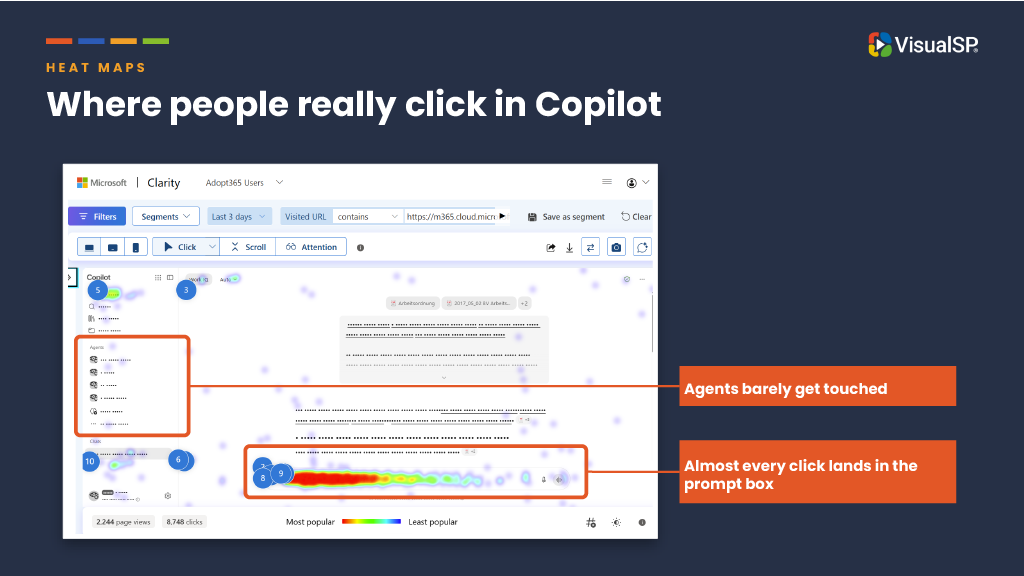
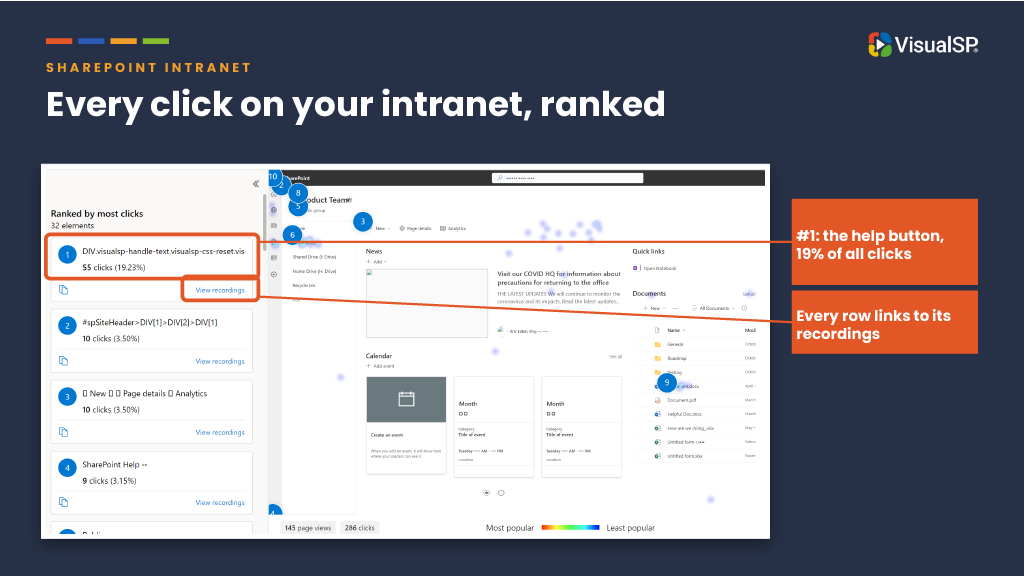
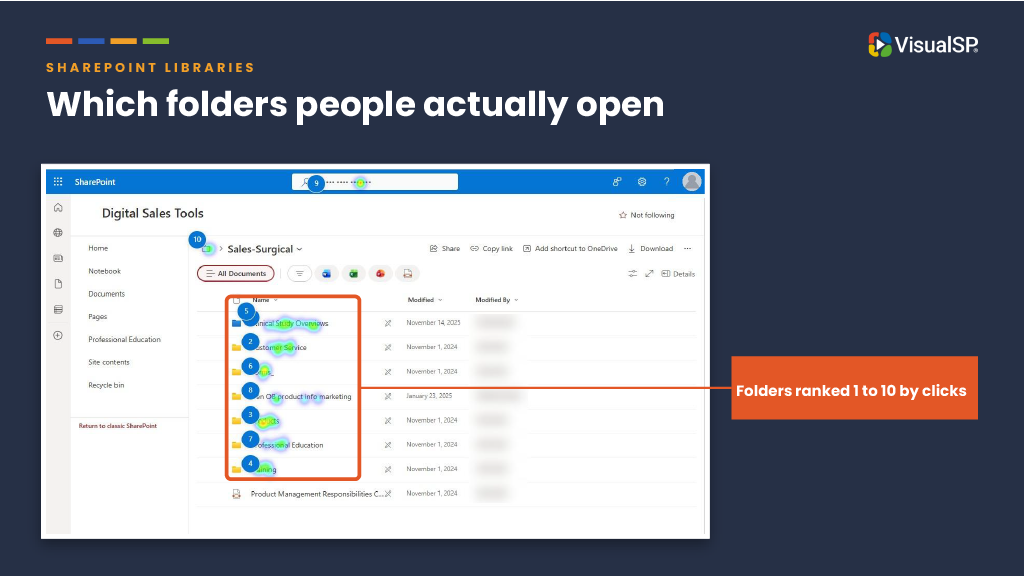
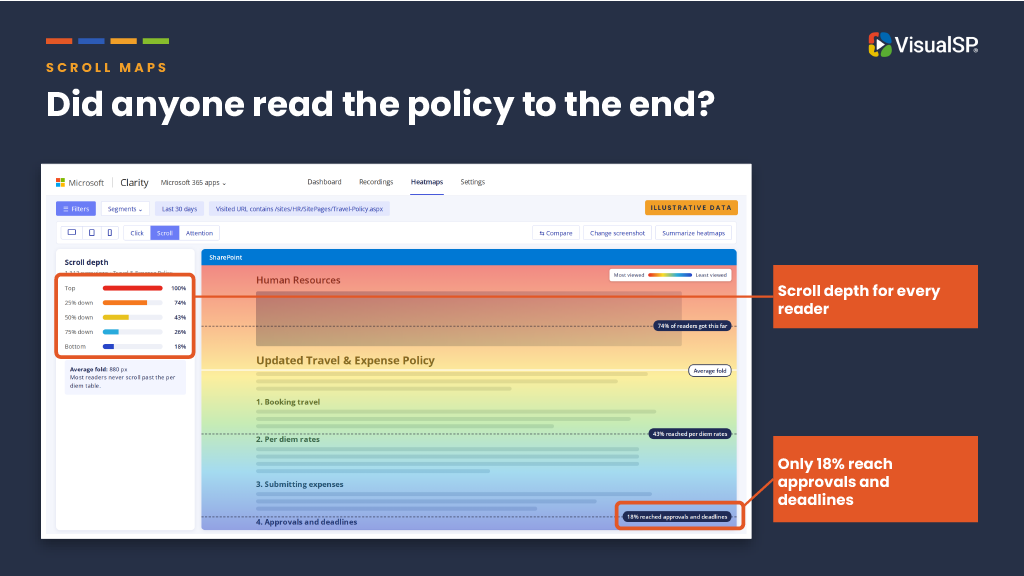
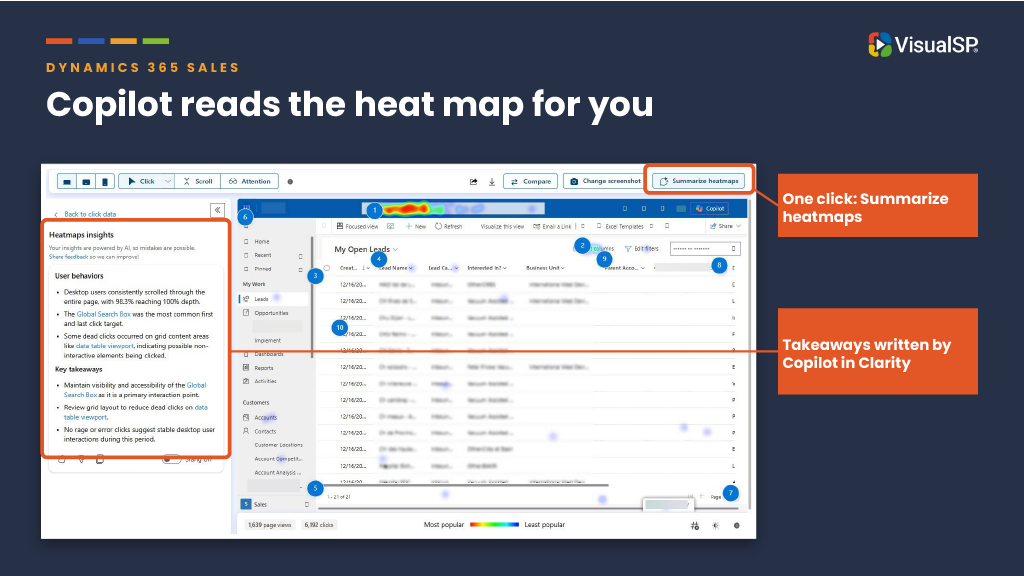
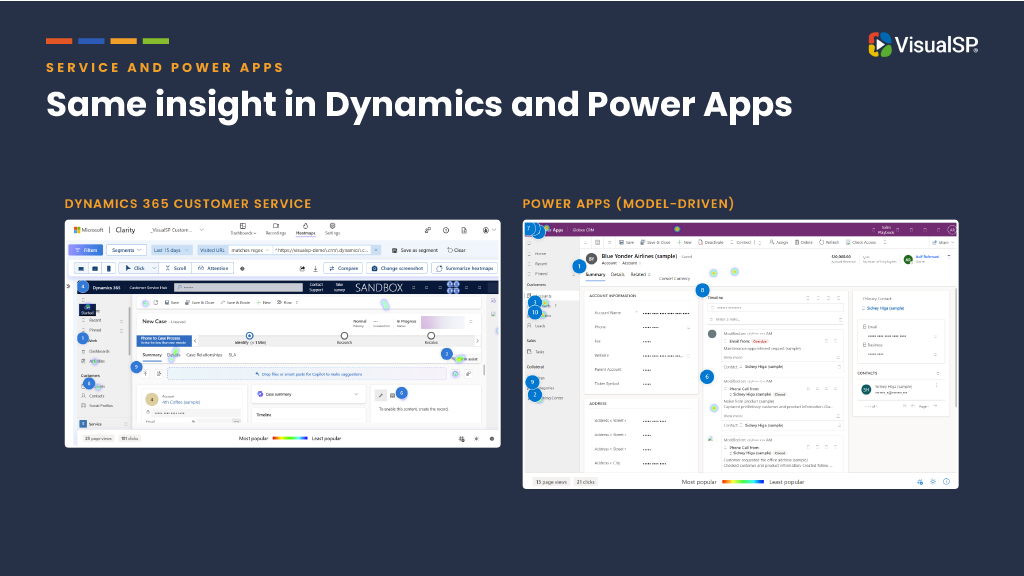
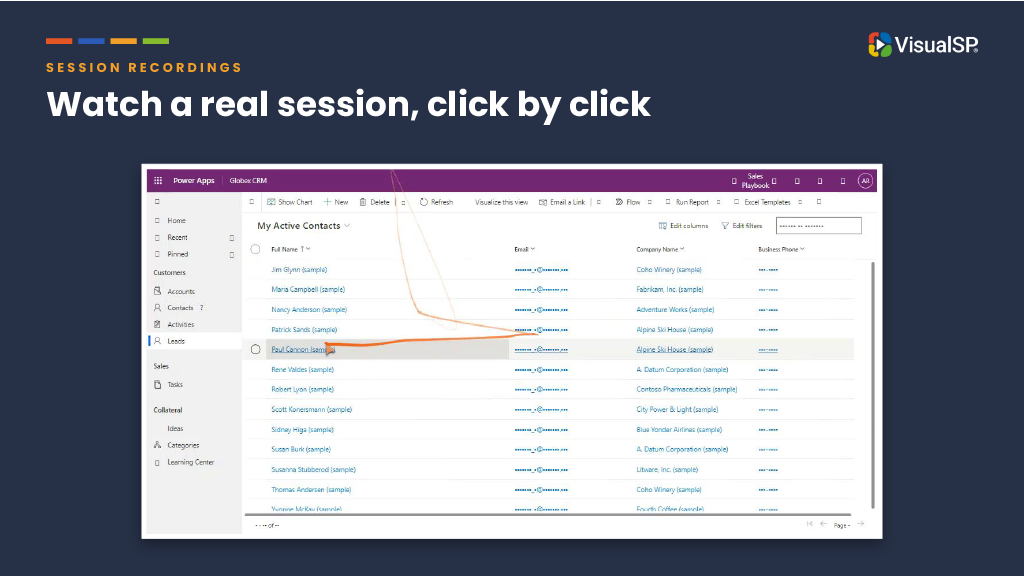
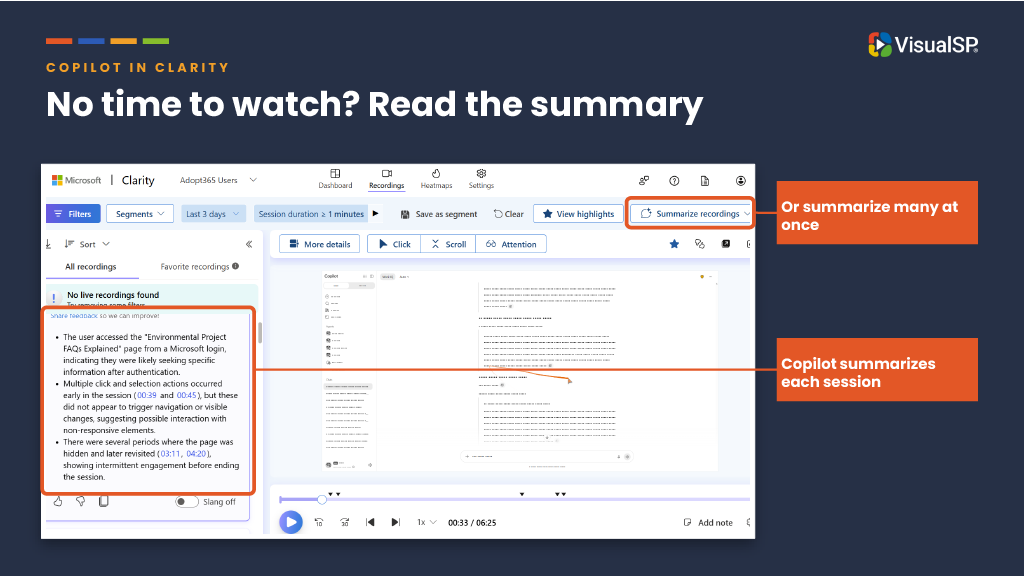
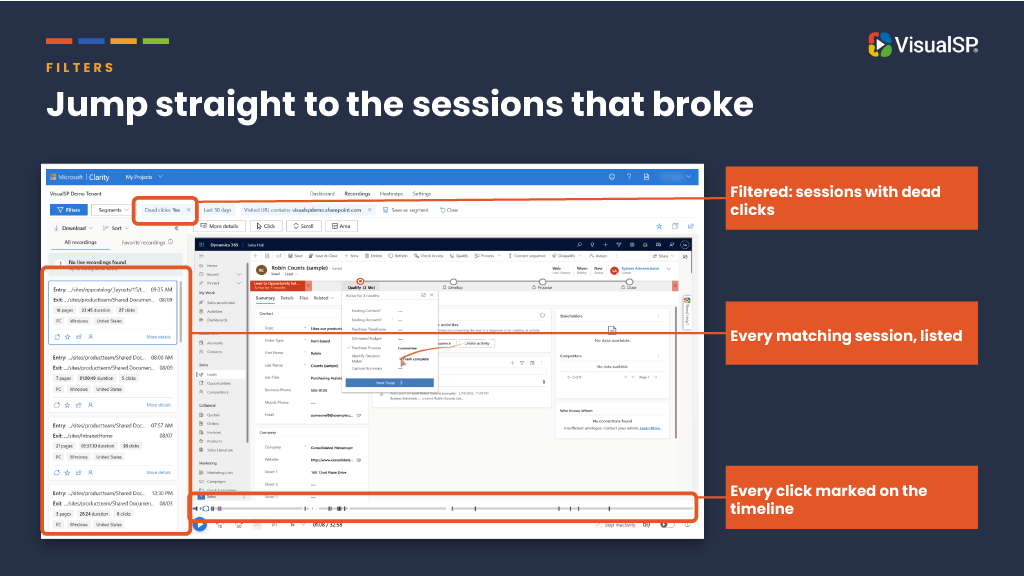
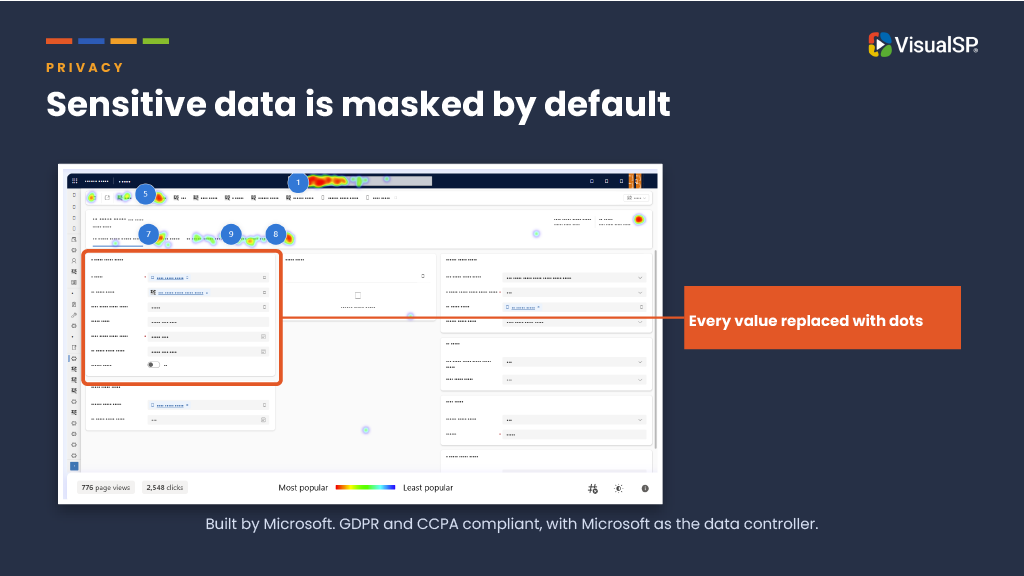
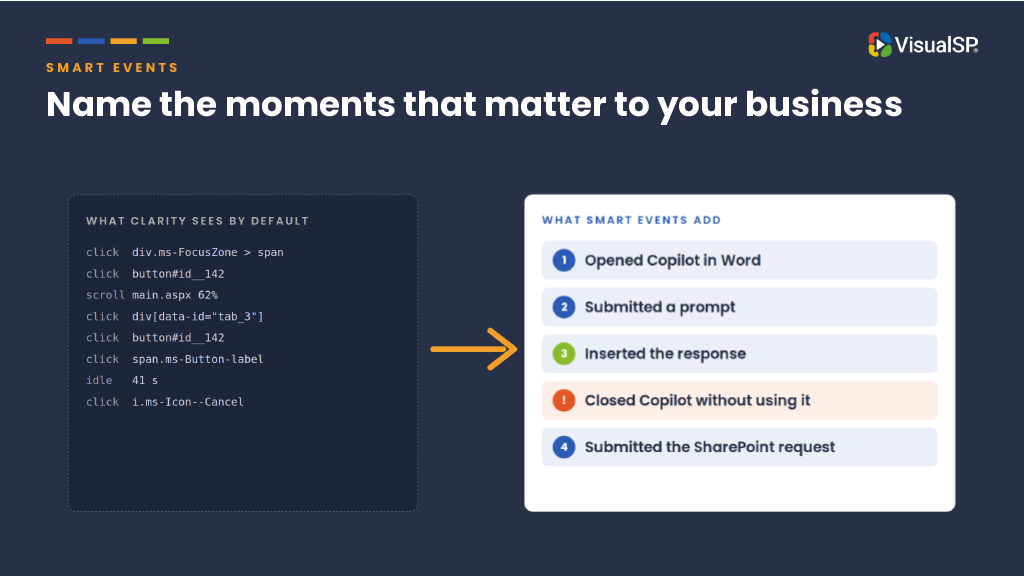
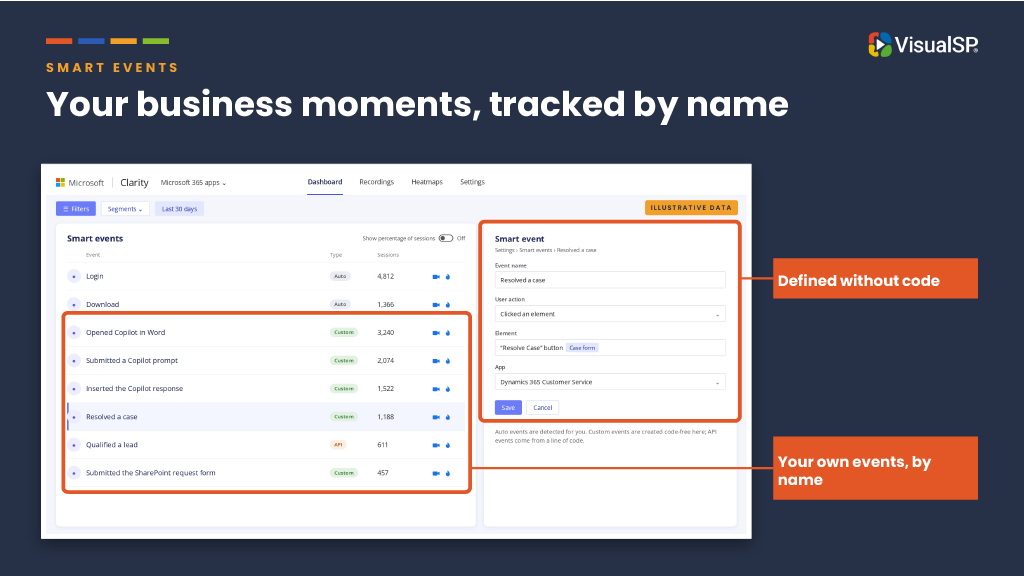
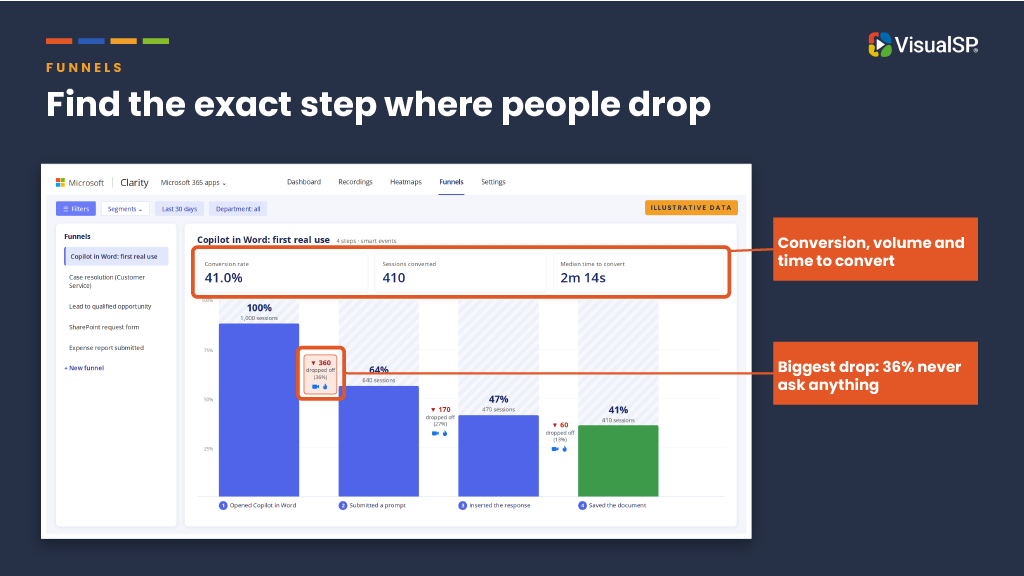
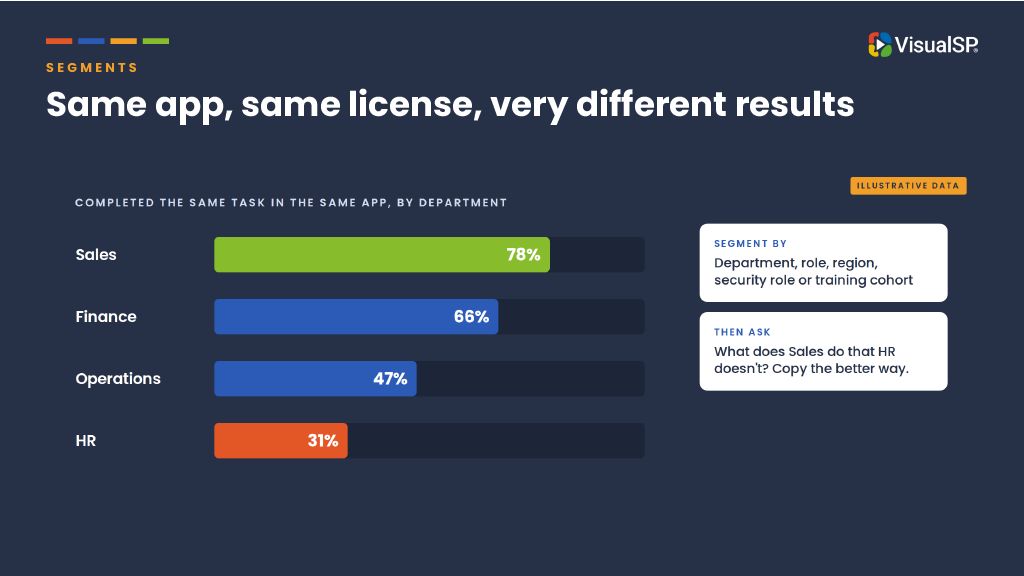
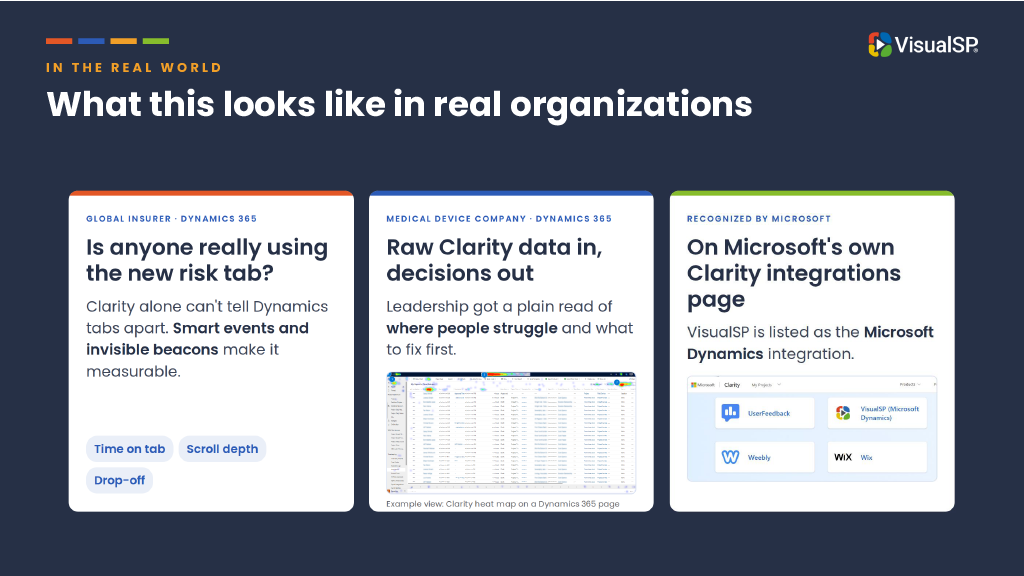
- Asif Rehmani – Mind Reading 101: Use Microsoft Clarity to see behavior analytics of your SharePoint users
- Asif Clarity Blogs – https://www.visualsp.com/blog/?s=clarity
- Integrations – Clarity – https://clarity.microsoft.com/integrations
—–
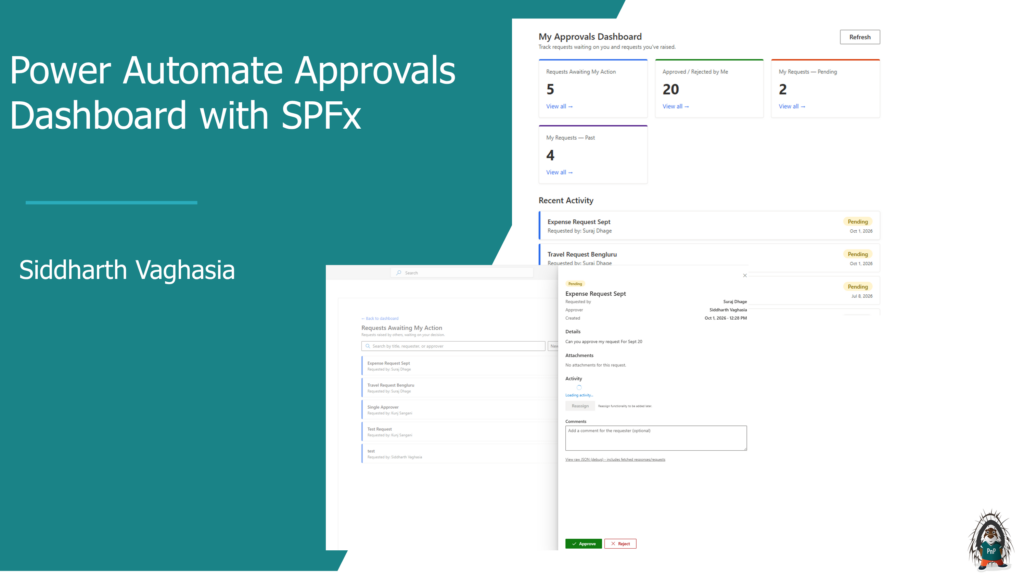
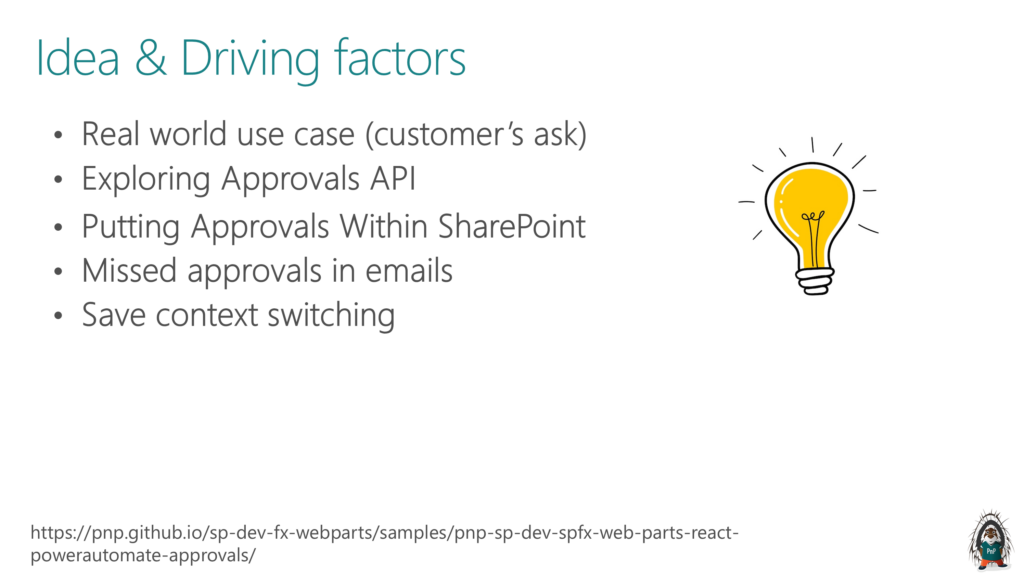
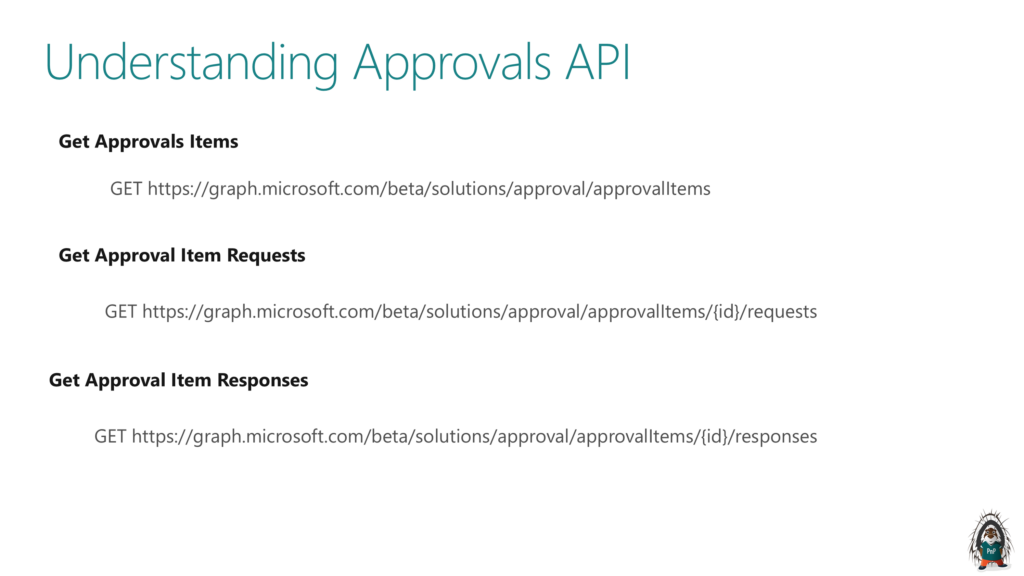
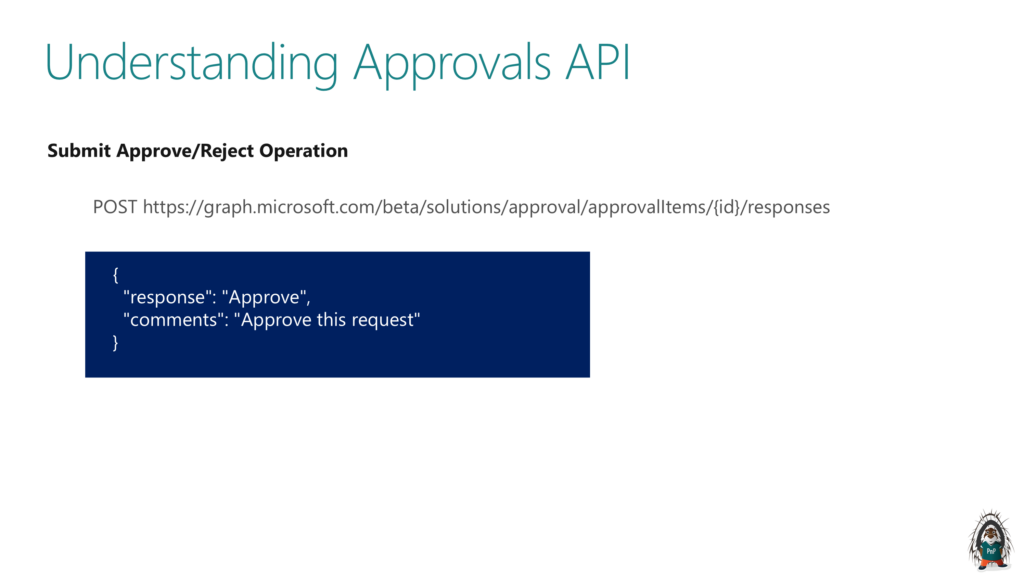
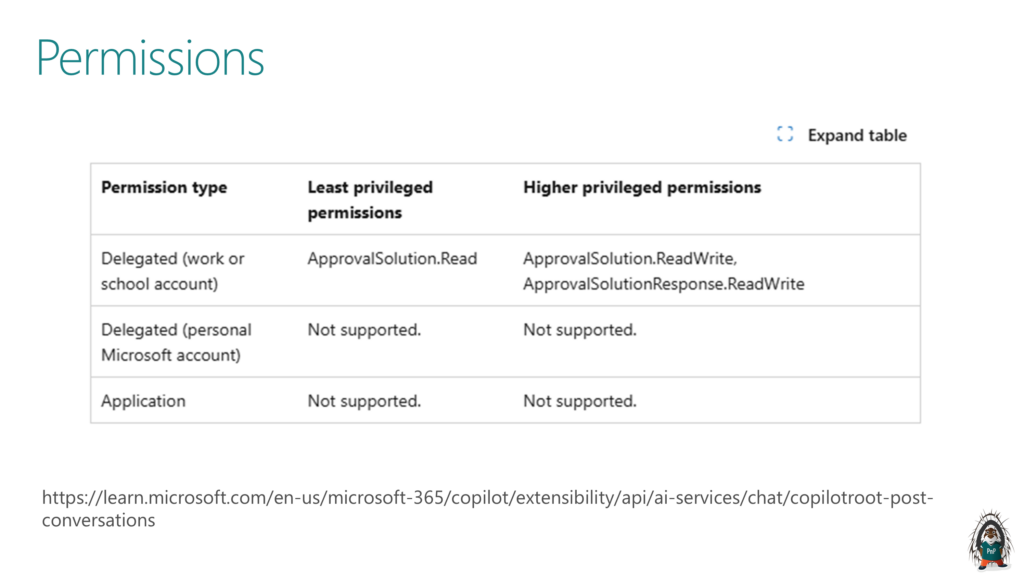
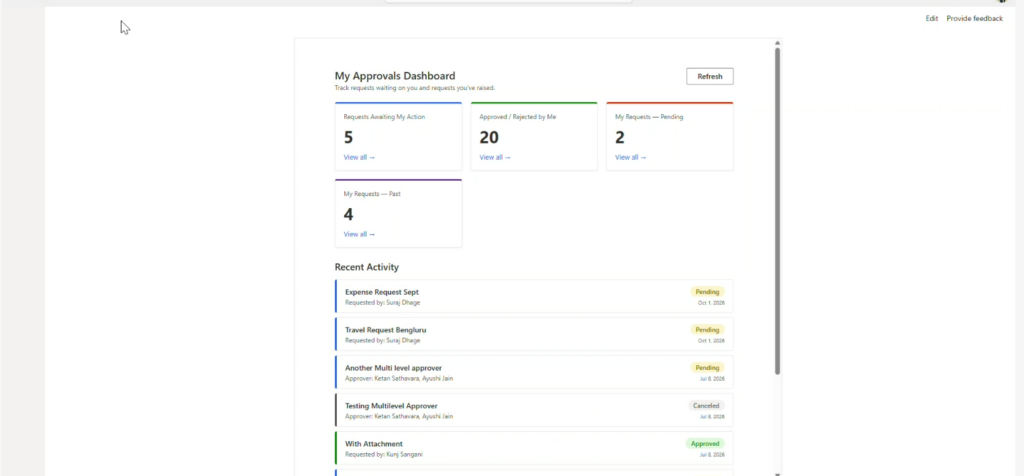
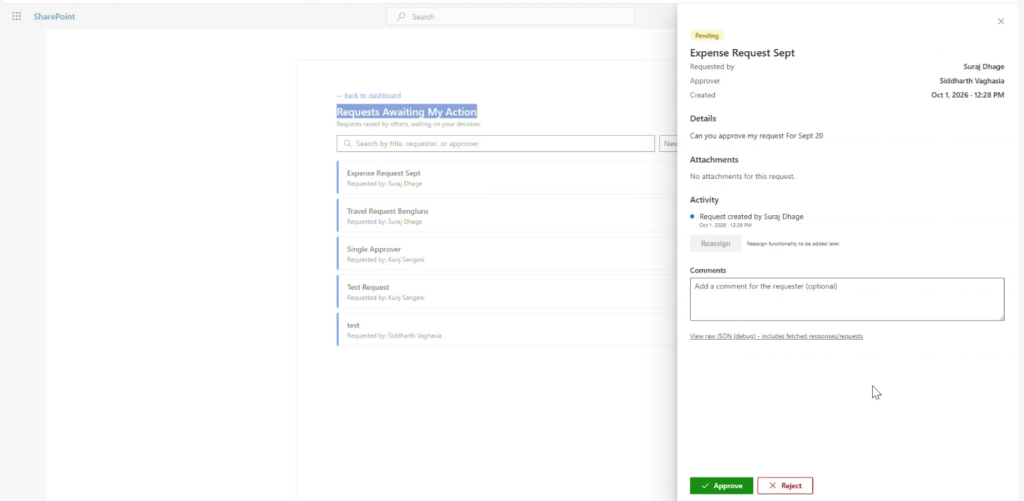
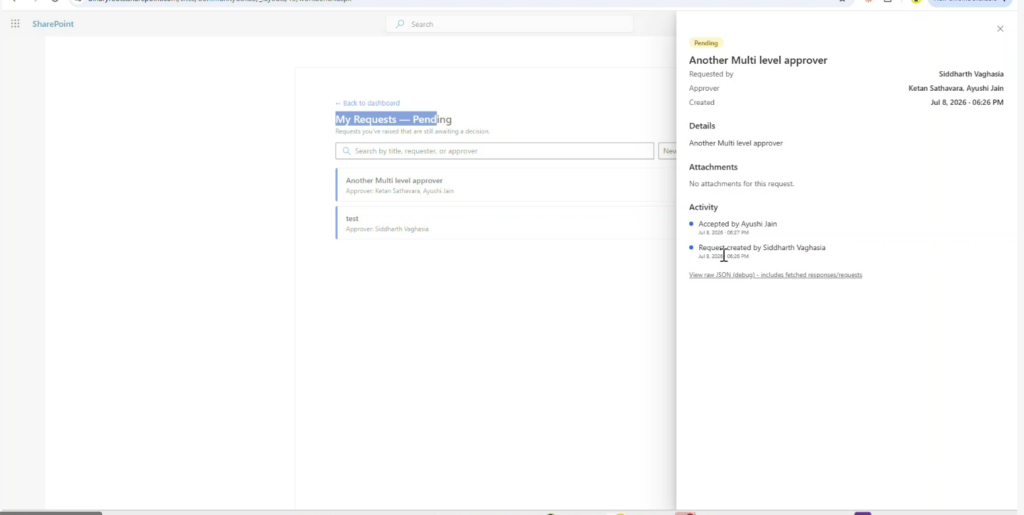
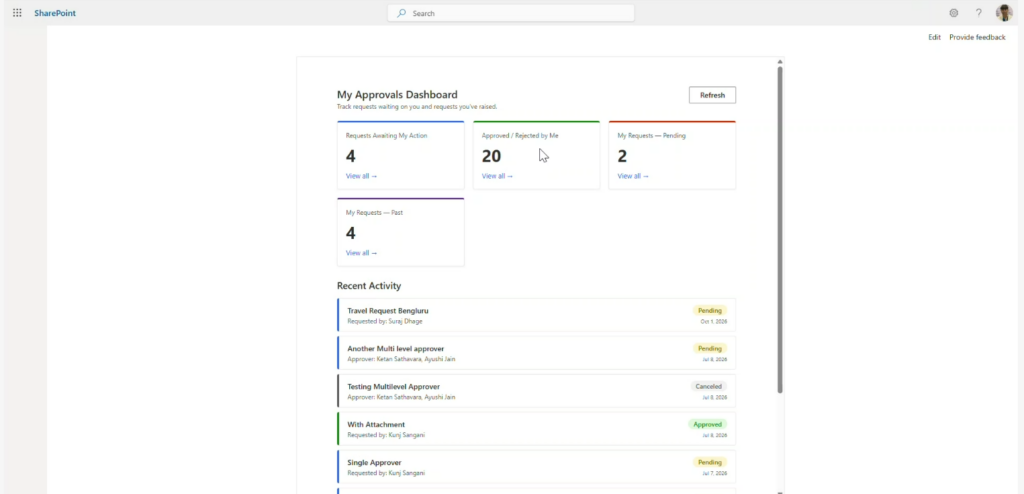
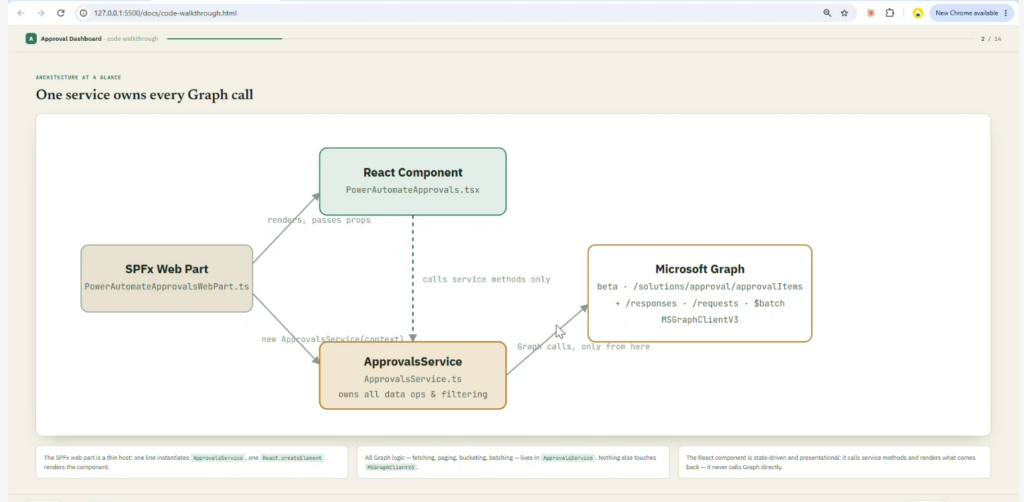
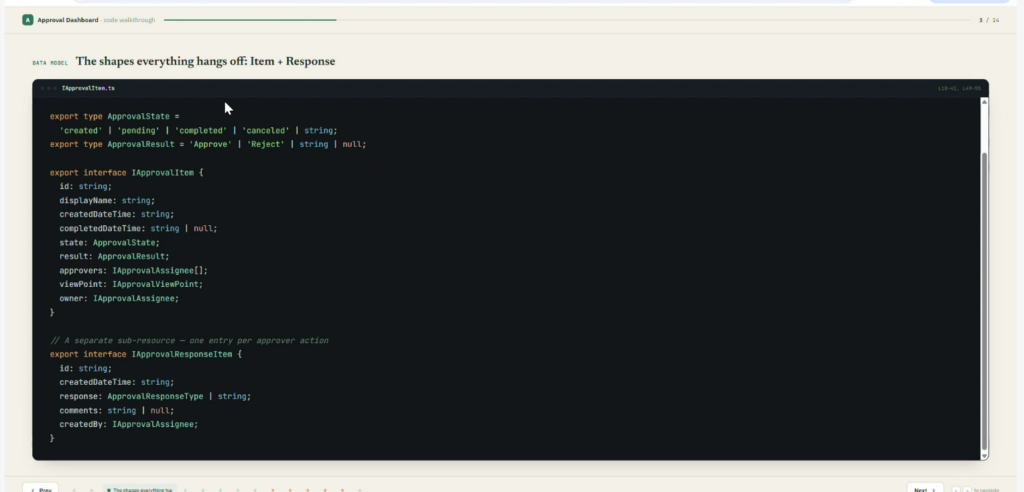
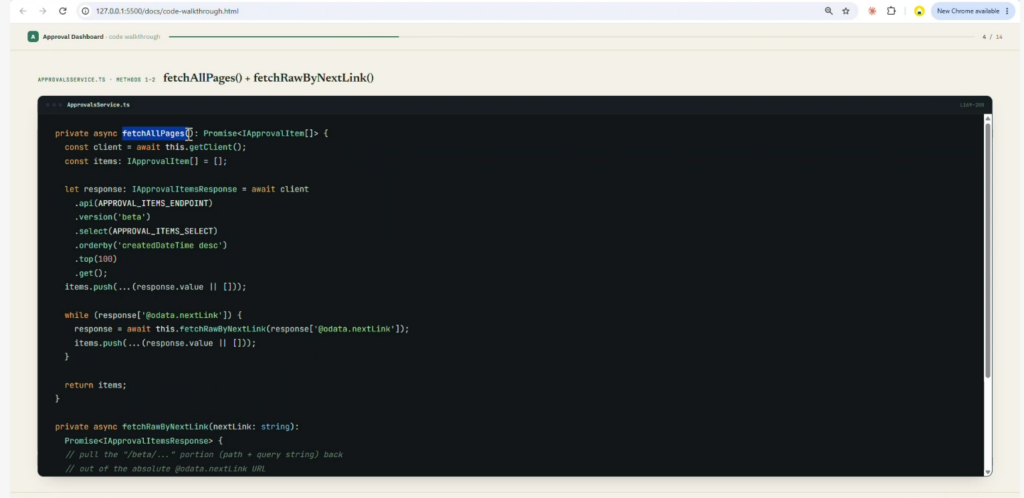
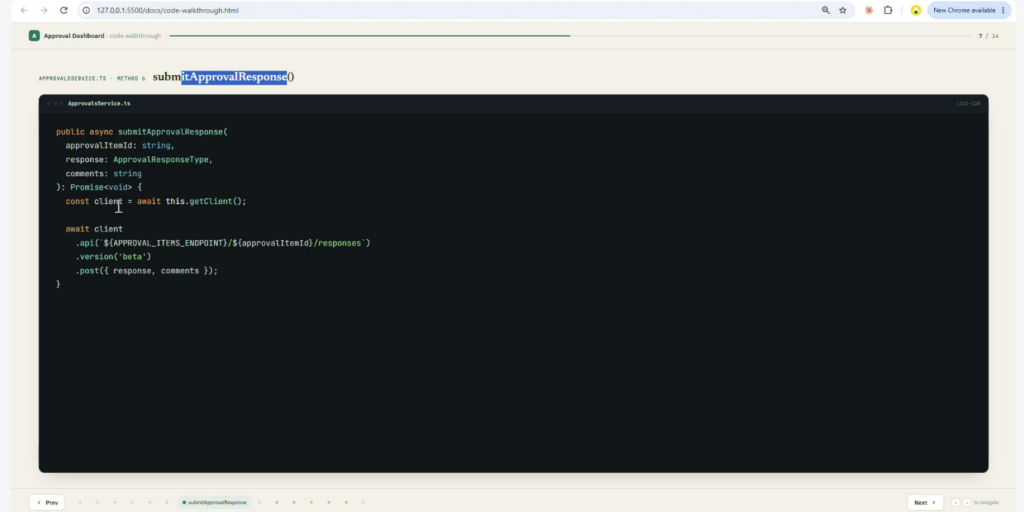
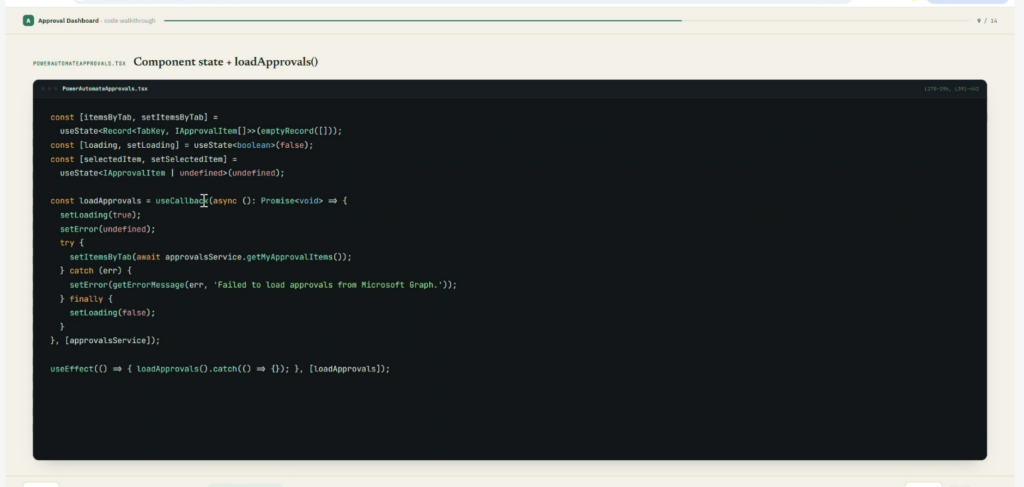
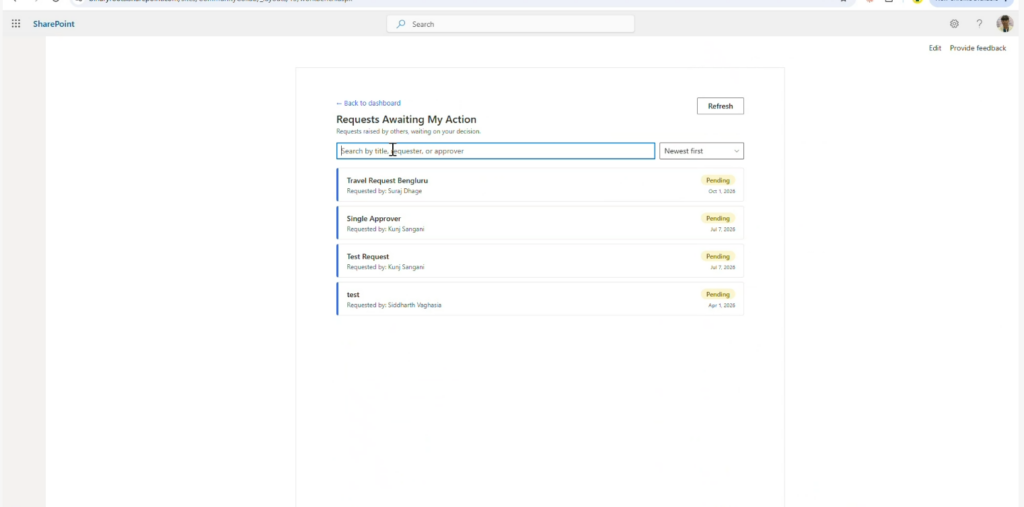
- Siddharth Vaghasia – How to create a Power Automate Approvals dashboard with SPFx
- Power Automate Approval SPFx Sample – https://github.com/siddharth-vaghasia/public-docs/blob/master/react-powerautomate-approvals.sppkg
—–
- Direct Link to Community Calls
- It is HIGHLY encouraged to also watch the recording of the Community Call recording to benefit the most.
- Community Call YouTube Recording from Microsoft will be available when uploaded by Microsoft


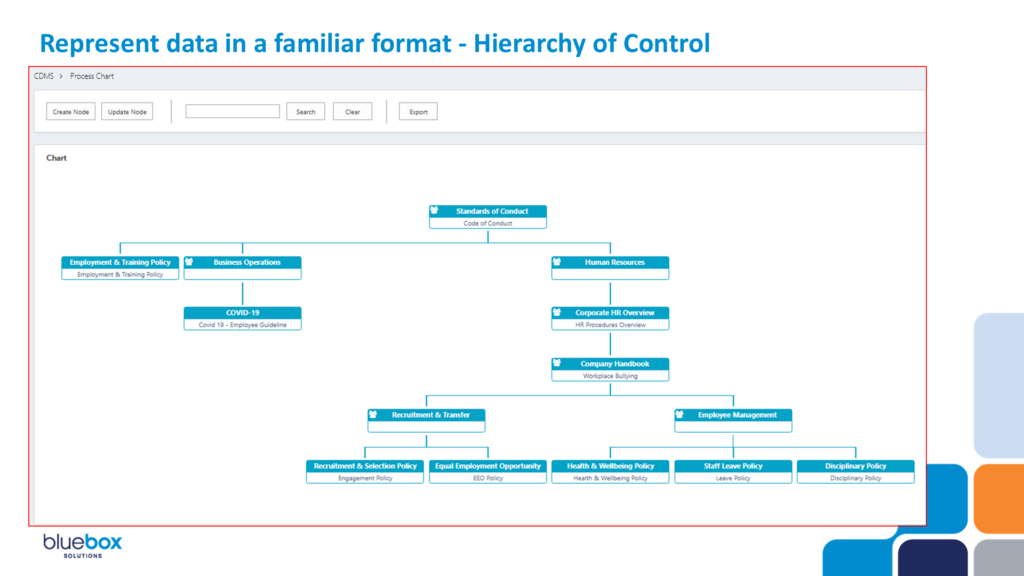
David Duncan – Crafting SharePoint Search for improved user experience
Asif Rehmani – Mind Reading 101: Use Microsoft Clarity to see behavior analytics of your SharePoint users


Siddharth Vaghasia – How to create a Power Automate Approvals dashboard with SPFx